
C and C++ source and header files can be edited in Xcode. Making it the default for these extensions is useful for Apple-platform projects, but compiler flags and include paths still belong to the project build configuration.
Method 1: Use Finder
- In Finder, select a sample file such as main.cpp.
- Press Command–I, or choose File → Get Info.
- Expand Open with and choose Xcode. If it is missing, choose Other and locate the installed app.
- Click Change All and confirm the macOS prompt.
- Double-click another file of the same type to check the new default.
Method 2: Manage associations with Pahkui
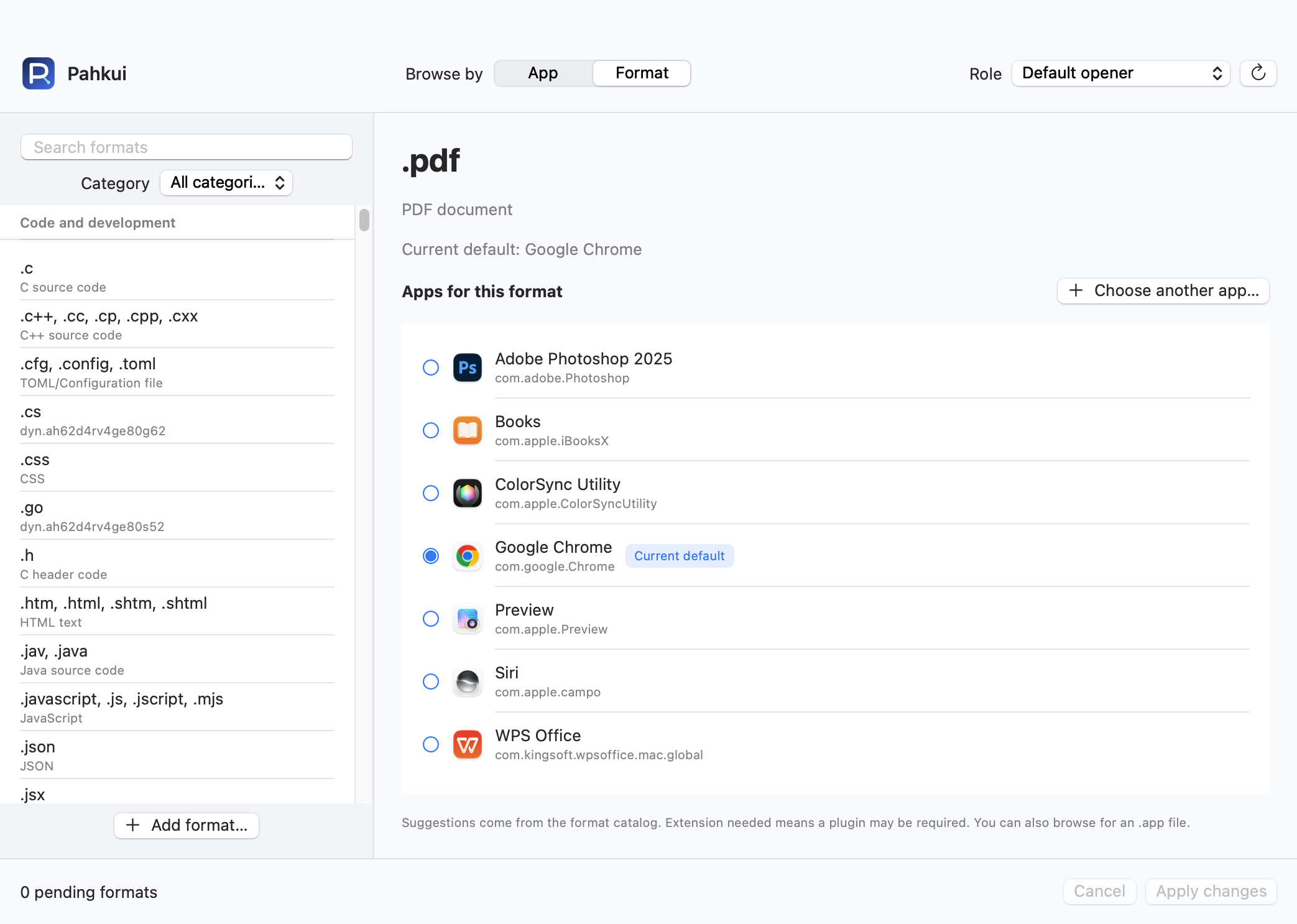
Pahkui lets you browse by app or by format. When setting up an editor for several file types, you can inspect the current defaults and review pending changes in one window. Requires macOS 14 or later.
- Open Pahkui, switch to Format, and search for the extension you need from .c, .h, .cpp.
- Select Xcode. Use Choose another app if it is not listed.
- Review the pending association, click Apply changes, and confirm the new app in the macOS dialog.
The formats in this guide require Pahkui Pro, a one-time purchase for lifetime use. The manual Finder method does not require a purchase. See pricing
If the default app does not change
- Check .c, .h and .cpp separately; source and header associations may not all change together.
- A missing include or linker error is a project configuration issue, not a problem with which app opened the file.
- If Xcode is missing, confirm it is installed and can open the sample directly, then locate it with Other. If an extension is absent from the catalog, add the format in Pahkui. Changing an association does not add format support to the target app.
Common questions
Will this compile C++ when I double-click?
No. It opens the file for editing. Building requires an appropriate Xcode project or another configured build system.
How do I restore the previous app for .c, .h, .cpp?
Choose the previous app again in Finder or Pahkui and confirm the change. This updates the type association without deleting files. Use the Open With context menu for a one-time exception.