
ARW is a Sony camera RAW file. Choose Photoshop if you want double-clicking a supported ARW photo to start your Adobe Camera Raw editing workflow instead of opening Preview. Camera Raw support depends on the exact Sony camera model and the installed plug-in version; changing the default app does not add camera support.
Method 1: Use Finder
- In Finder, select a sample file such as DSC0001.arw.
- Press Command–I, or choose File → Get Info.
- Expand Open with and choose Adobe Photoshop. If it is missing, choose Other and locate the installed app.
- Click Change All and confirm the macOS prompt.
- Double-click another file of the same type to check the new default.
Method 2: Manage associations with Pahkui
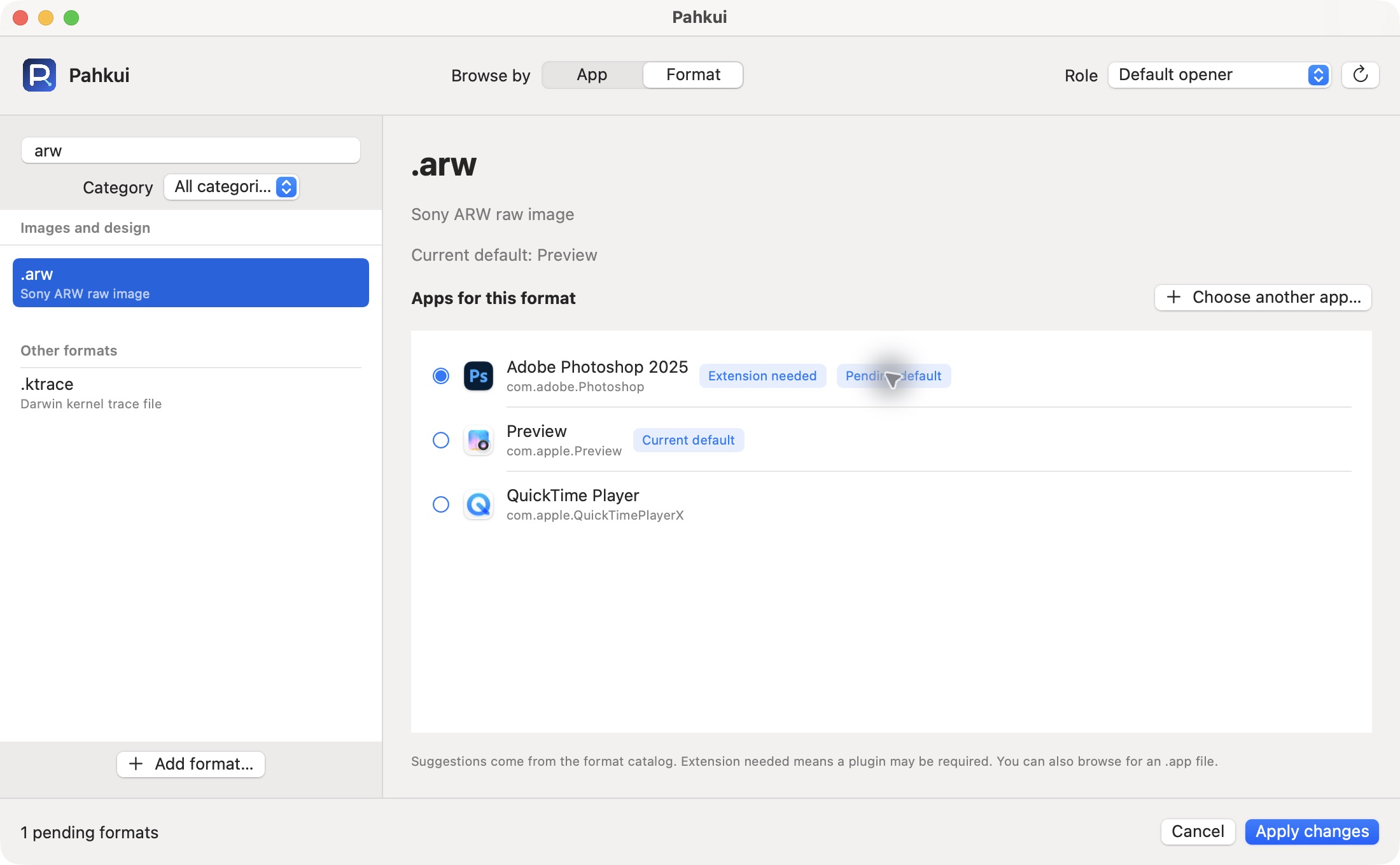
In Pahkui, search for .arw, inspect its current default, and select Photoshop as a pending change. Review the choice before applying it. Requires macOS 14 or later.
- Open Pahkui, switch to Format, and search for the extension you need from .arw.
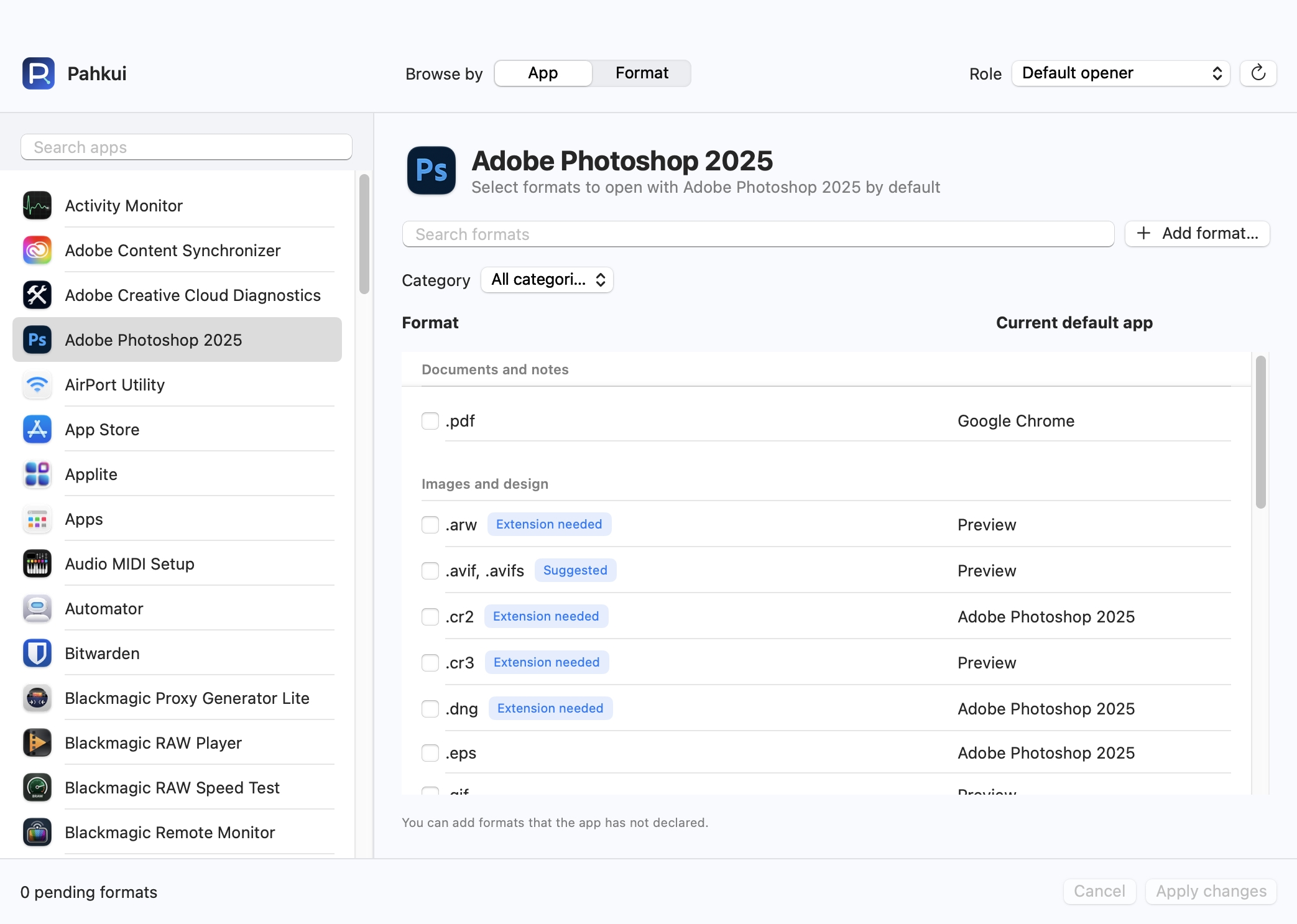
- Select Adobe Photoshop. Use Choose another app if it is not listed.
- Review the pending association, click Apply changes, and confirm the new app in the macOS dialog.
The formats in this guide require Pahkui Pro, a one-time purchase for lifetime use. The manual Finder method does not require a purchase. See pricing
If the default app does not change
- Check Adobe's supported-camera list for your Sony model and update Camera Raw if Photoshop cannot decode the file.
- If Finder still opens Preview, confirm Change All and test another ARW from the same camera. A one-time Open With selection does not change the default.
- If Adobe Photoshop is missing, confirm it is installed and can open the sample directly, then locate it with Other. If an extension is absent from the catalog, add the format in Pahkui. Changing an association does not add format support to the target app.
Common questions
Will changing the ARW default convert my RAW photos?
No. It only changes which app macOS launches. Your original ARW files remain unchanged until you explicitly edit or export them.
How do I restore the previous app for .arw?
Choose the previous app again in Finder or Pahkui and confirm the change. This updates the type association without deleting files. Use the Open With context menu for a one-time exception.