
MP3 files often open in a music-library application. Choose VLC when you want direct playback from Finder instead of a library-oriented workflow. This does not change existing playlists or music-library contents.
Method 1: Use Finder
- In Finder, select a sample file such as song.mp3.
- Press Command–I, or choose File → Get Info.
- Expand Open with and choose VLC. If it is missing, choose Other and locate the installed app.
- Click Change All and confirm the macOS prompt.
- Double-click another file of the same type to check the new default.
Method 2: Manage associations with Pahkui
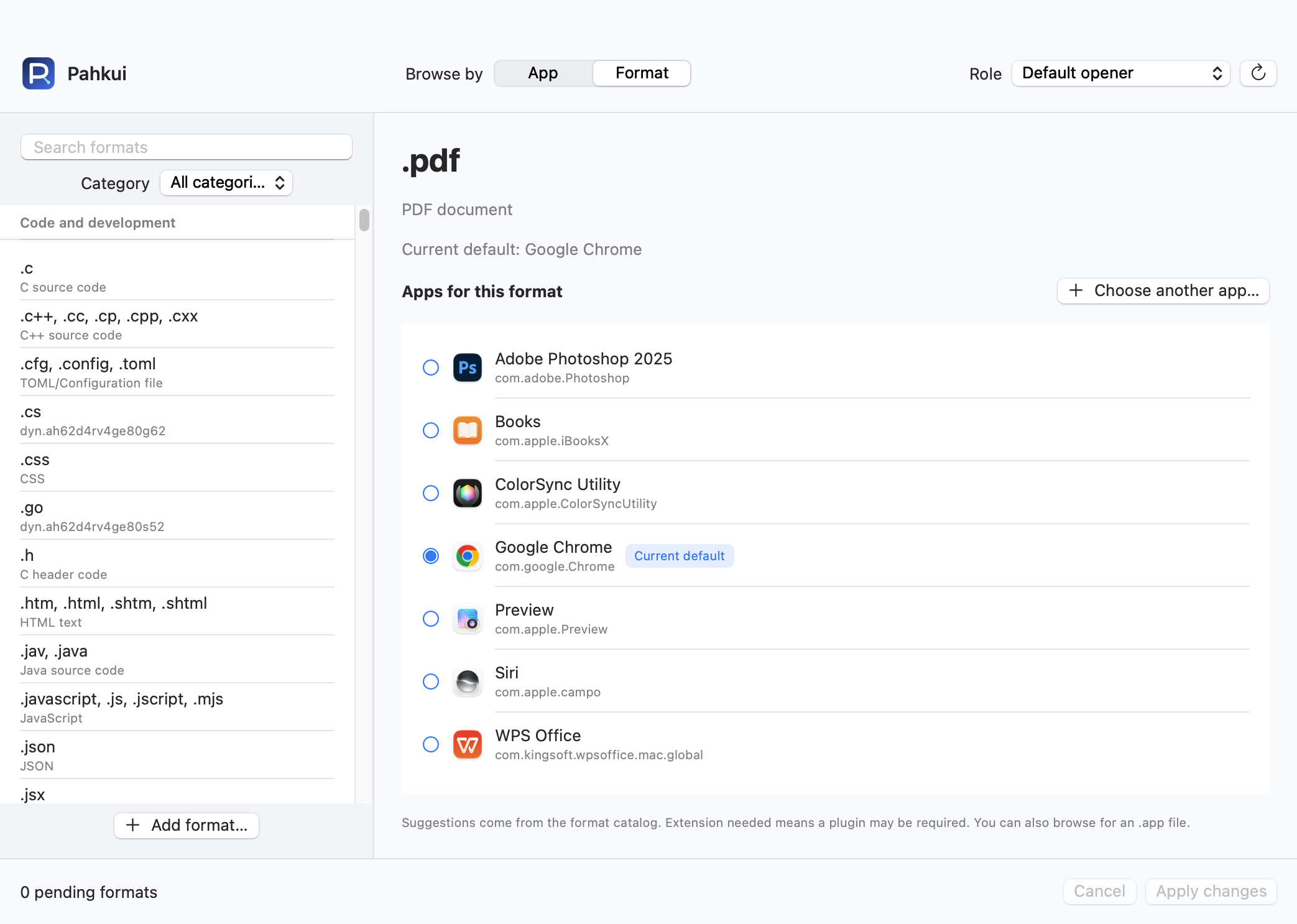
Pahkui lets you browse by app or by format. When setting up an editor for several file types, you can inspect the current defaults and review pending changes in one window. Requires macOS 14 or later.
- Open Pahkui, switch to Format, and search for the extension you need from .mp3.
- Select VLC. Use Choose another app if it is not listed.
- Review the pending association, click Apply changes, and confirm the new app in the macOS dialog.
The formats in this guide can be configured with Pahkui Free. The manual Finder method does not require a purchase. See pricing
If the default app does not change
- Check a downloaded .mp3 in Finder, not an item already managed inside a music library.
- If there is no sound, inspect the output device and player volume before changing the association again.
- If VLC is missing, confirm it is installed and can open the sample directly, then locate it with Other. If an extension is absent from the catalog, add the format in Pahkui. Changing an association does not add format support to the target app.
Common questions
Will choosing VLC delete songs from Music?
No. It only changes the app used when Finder opens an MP3 file. Existing library content stays in its application.
How do I restore the previous app for .mp3?
Choose the previous app again in Finder or Pahkui and confirm the change. This updates the type association without deleting files. Use the Open With context menu for a one-time exception.